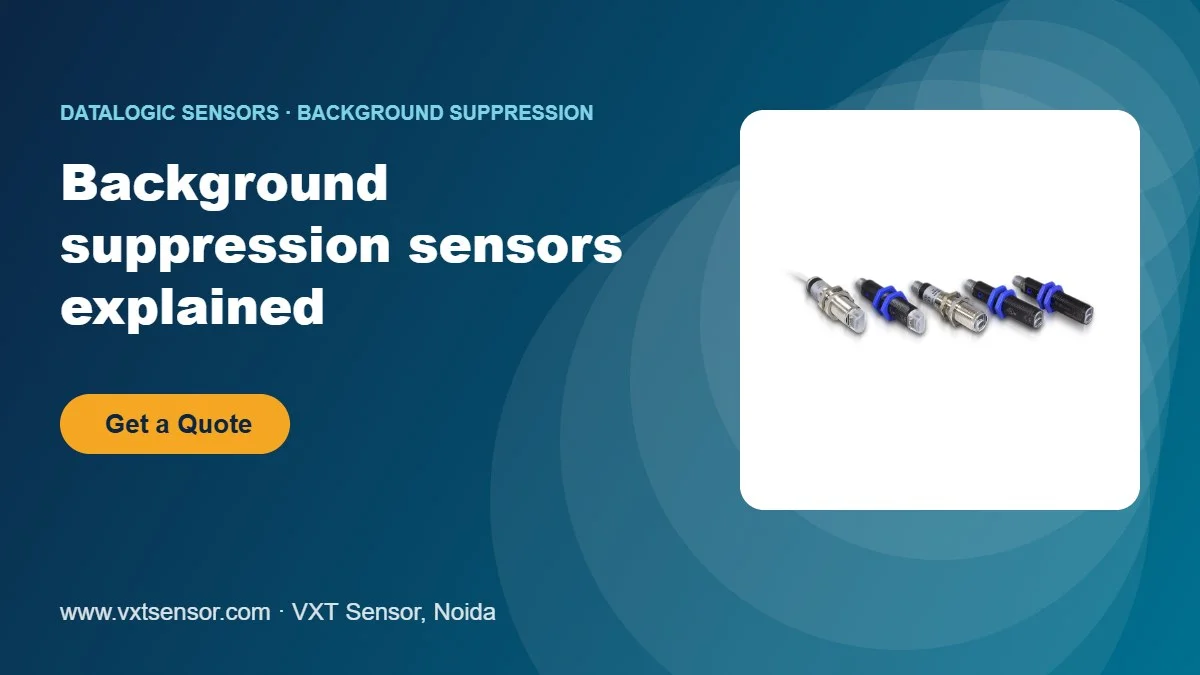
A normal diffuse photoelectric sensor decides whether an object is there by how much light comes back. That causes problems: a black box may reflect too little light to be seen, and a shiny machine part behind the conveyor may reflect too much and trigger the sensor. A background suppression sensor solves both problems by measuring distance instead of brightness.
How background suppression works
The sensor sends a light spot and receives the reflection on a split receiver (or a small position-sensitive element). Light from a near object lands on one part of the receiver; light from a far object lands on another. The sensor switches only when the object is closer than the set distance, so anything behind that point is ignored, whatever its colour.
- Dark and light objects are detected at almost the same distance.
- Bright or shiny backgrounds (stainless steel frames, white walls) do not cause false signals.
- No reflector is needed, so only one device is mounted.
When to use a background suppression sensor
- Detecting black, dark or mixed-colour cartons on a conveyor
- Checking that a product is present in a tray or nest, while ignoring the tray bottom
- Detecting objects in front of a machine frame or wall
- Height or overhang checks at a fixed distance
For longer distances, or when a reflector can be fitted, a retroreflective sensor is usually simpler. See photoelectric sensing modes explained.
Datalogic background suppression models
| Series | Function code | Range | Setting |
|---|---|---|---|
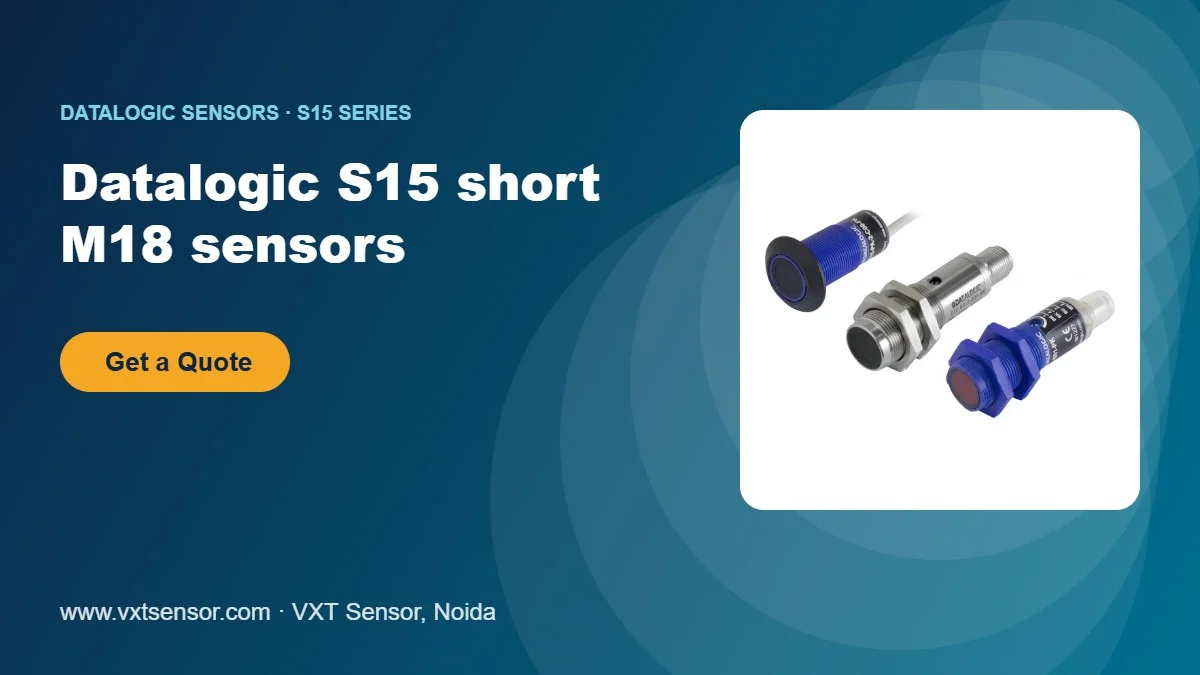
| S5N (M18) | M03 | 50–150 mm | Teach-in push-button |
| S5N-SA/NA (M18) | M01 | 40–120 mm | 4-turn trimmer |
| S50 (M18) | M03 | 50–100 mm | Teach-in push-button |
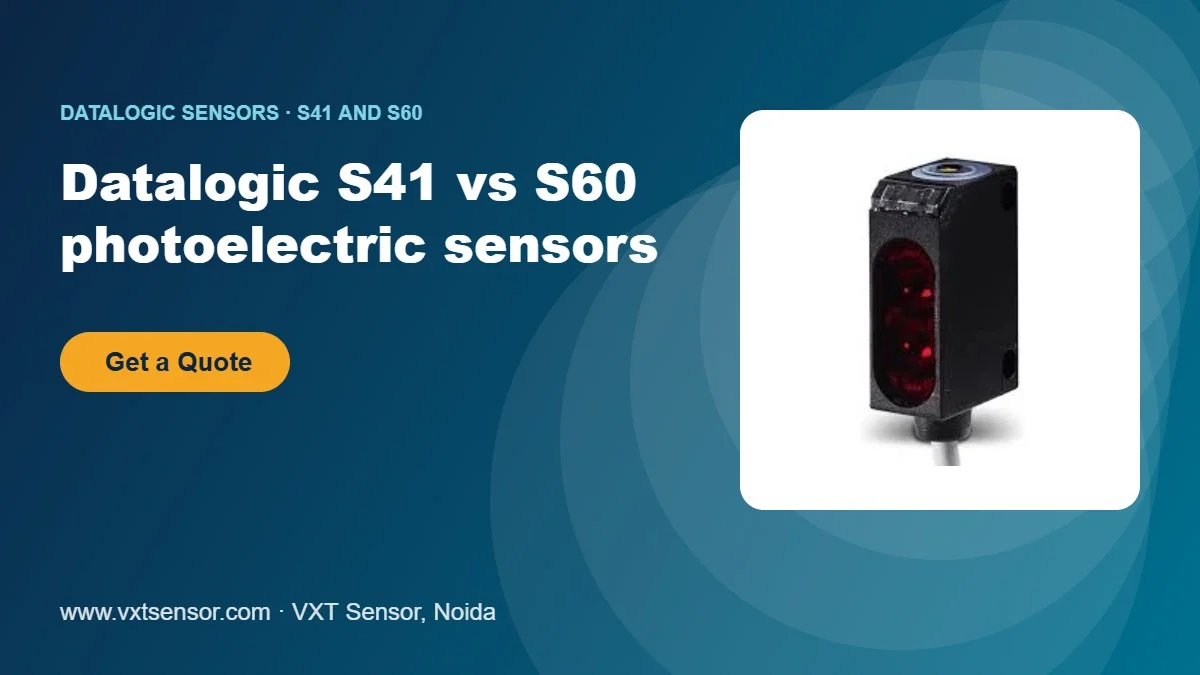
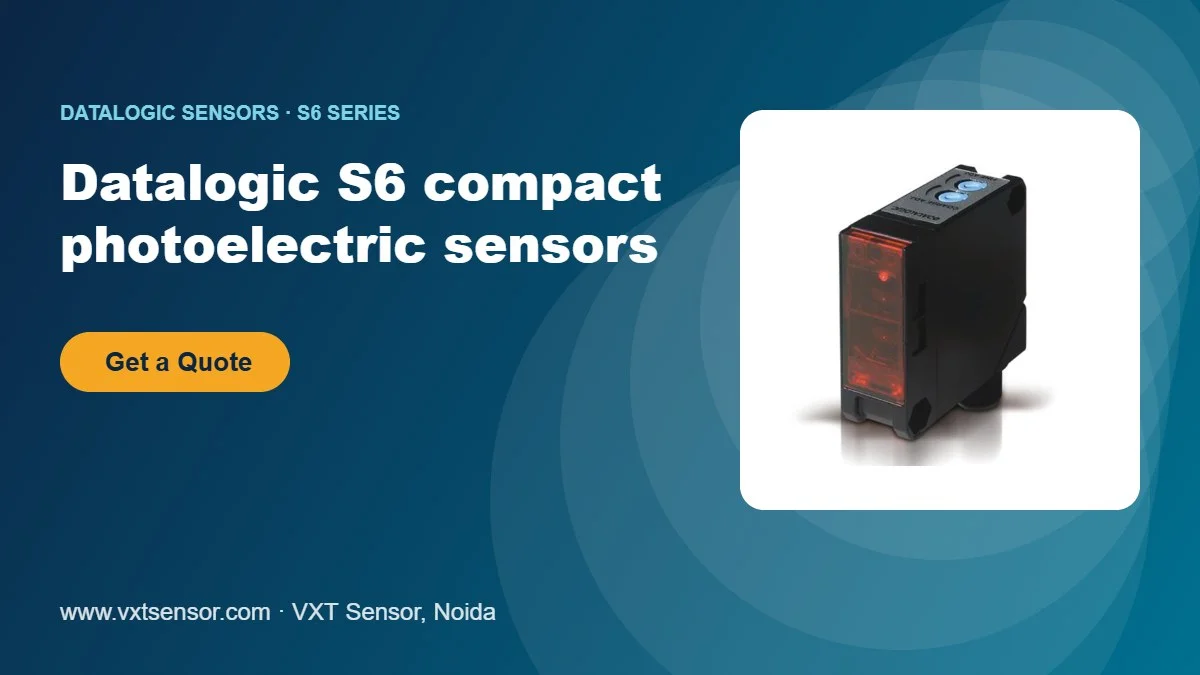
| S6 (compact) | M10 / M25 | 3–10 cm / 3–25 cm | Adjustment screw |
Ranges are from the Datalogic S5N, S50/S51 and S6 datasheets. Background suppression is also available in other series such as the S62, S8 and S3N (function code M01). Check the datasheet for your exact code.
Popular models
- S5N-PA-5-M03-PP – M18 plastic, M12, PNP
- S5N-PA-2-M03-PP – M18 plastic, 2 m cable, PNP
- S6-5-M25 – compact housing, 3–25 cm
- S62-PA-5-M01-PP – S62 compact series
- S8-PH-5-M01-PP – S8 miniature series
- S3N-PR-5-M01-P – S3N miniature series
Setting up a background suppression sensor
- Mount the sensor so the light spot hits the object squarely. Avoid pointing it straight at a mirror-like surface.
- Place the object at the furthest point where it must be detected.
- Teach-in models (M03): press the teach button as described in the manual. Trimmer or screw models (M01, M10, M25): turn the adjustment until the output LED just switches on, then add a small margin.
- Remove the object and check that the background does not switch the output.
- Test with your darkest and brightest product.
Common mistakes
- Setting the distance too close to the background: leave a clear gap between the switching point and the background.
- Mounting the sensor so the receiver side is blocked by a moving part.
- Using background suppression for very long distances, where a retroreflective or through-beam sensor works better.
Learn how to read the function codes in our guide to Datalogic model codes, or see all Datalogic photoelectric sensors.
Frequently asked questions
What does background suppression mean in a sensor?
It means the sensor only detects objects closer than a set distance and ignores anything behind it, regardless of colour or brightness.
Which Datalogic code means background suppression?
On S5N, S50 and many other series the M codes (M01, M03) are background suppression. On the S6 series they are M10 and M25.
Can a background suppression sensor detect black objects?
Yes. Because it measures distance rather than brightness, it detects dark objects much better than a standard diffuse sensor.
What is the difference between background suppression and diffuse?
A diffuse sensor reacts to the amount of reflected light. A background suppression sensor reacts to the distance of the object, so background surfaces are ignored.
Which model do you recommend for cartons on a conveyor?
An M18 S5N-PA-5-M03-PP works well for most carton detection within 150 mm. Send us your distance and product details and we will confirm.
Buy from VXT Sensor
VXT Sensor, Noida, supplies genuine Datalogic (Datasensing) sensors across India. Send us the model code or describe your application, and we will confirm the right model, datasheet, price and delivery time. Send an enquiry or call +91 99530 39482.
Looking for the right Datalogic sensor?
Genuine products from VXT Sensor, Noida. Tell us your application and we reply with the right model, price and delivery time.